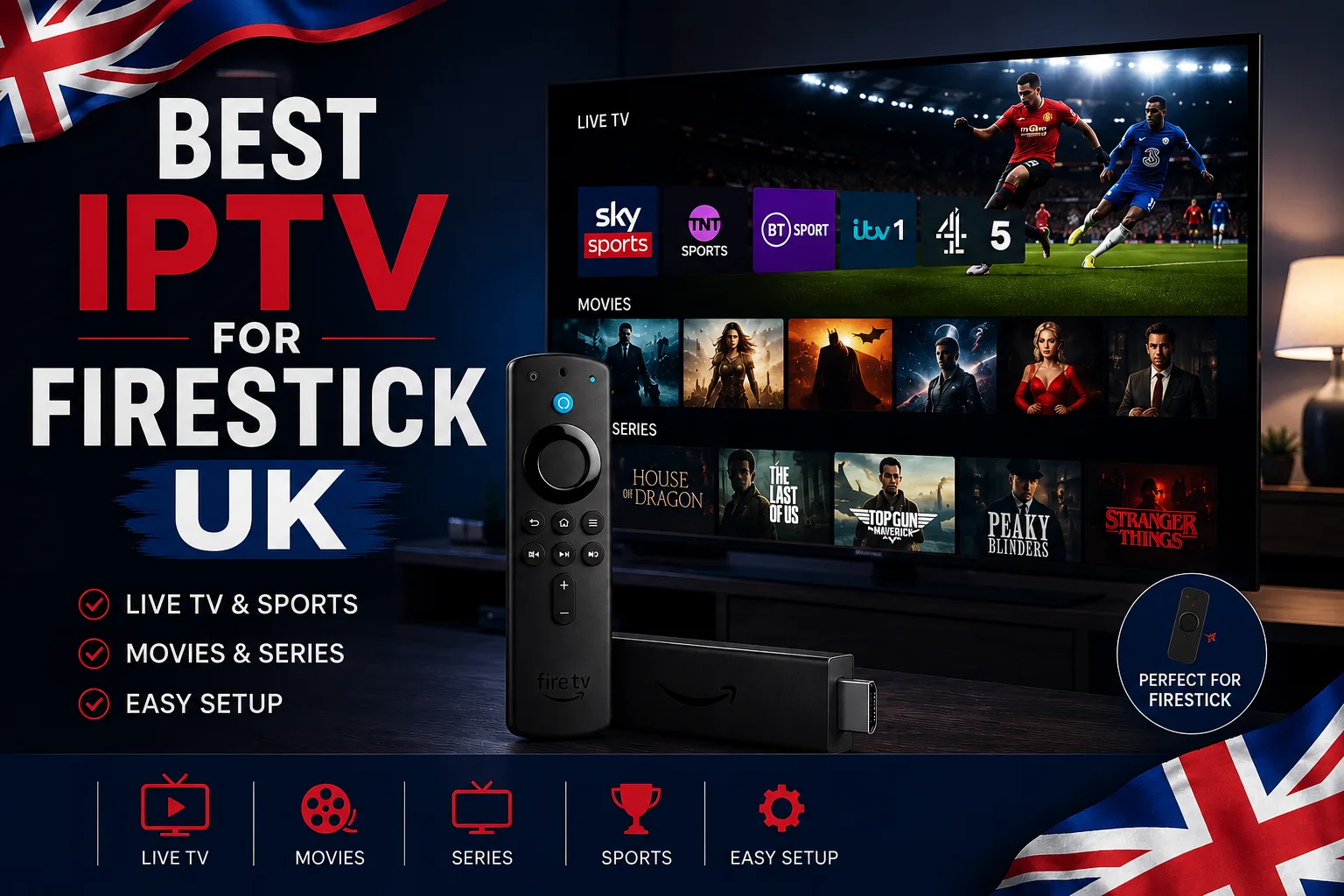
The Firestick is the UK's most popular IPTV device — here's what actually makes an IPTV service good on it, which Firestick model to get, and the red flags to avoid.
The Amazon Fire TV Stick is comfortably the most popular way to watch IPTV in the UK — it's cheap, it plugs into any TV with an HDMI port, and it takes about five minutes to set up. But the device is only half the equation. The service you put on it decides whether you get flawless 4K on a Saturday afternoon or a spinning buffer wheel at kick-off. This guide covers what actually matters when picking an IPTV service for a Firestick.
What makes an IPTV service good on Firestick specifically
A Firestick is a low-powered device compared to a Smart TV or an Android box. That changes what you should look for — some things that barely matter elsewhere matter a great deal here.
- Works with the standard Firestick players — IPTV Smarters Pro and TiviMate — rather than requiring a custom app you have to sideload from an unknown source
- Stable bitrate rather than peak bitrate, because a Firestick has limited buffer headroom and will stutter before a more powerful device does
- UK-optimised servers, so the stream isn't crossing Europe before it reaches you
- A working EPG that actually loads — bloated guide data is a common cause of Firestick slowdown
- Support that understands the device, not generic copy-paste replies
Most 'Firestick buffering' problems aren't the Firestick. They're an overloaded server being asked to do something the hardware was never the bottleneck for.
Which Firestick model should you buy?
- Fire TV Stick 4K — the best all-rounder for IPTV, and the one worth buying if you're choosing today
- Fire TV Stick 4K Max — faster Wi-Fi and more headroom; a sensible upgrade on a busy home network
- Fire TV Stick HD / basic — fine for HD streams, but it will struggle with heavy 4K content
- Older 2nd-gen sticks — usable, though app performance and 4K support are limited
If you're weighing the Firestick against other options entirely, our best devices for IPTV UK ranking compares it with Smart TVs, Android boxes and MAG boxes.
What IPTVUKmax gives you on a Firestick
- Works with IPTV Smarters Pro and TiviMate — no proprietary app required
- 30,000+ live channels including Sky Sports, TNT Sports and every UK terrestrial channel
- 150,000+ movies and series on demand, in HD and 4K
- UK-optimised servers built for peak-time and matchday load
- Built-in VPN protection included on every plan
- A 24-hour free trial so you can test it on your own Firestick, on your own broadband, before paying
Already bought the stick and just want it working? Our step-by-step Firestick setup guide walks through installation from scratch — it takes about five minutes.
Red flags when buying IPTV for a Firestick
- A provider that insists you sideload their own private APK from a link rather than using a known player
- No free trial — with a Firestick, testing on your actual hardware and broadband is the only reliable check
- Prices well under £2–3/month, which rarely covers the server capacity needed for stable streams
- No mention of UK servers anywhere
- Support that only exists on Telegram, with no named business behind it
Our 8-point provider checklist goes through each of these in more detail before you hand over card details.
Getting the best picture quality on a Firestick
- Use a wired Ethernet adapter if you can — it's the single biggest fix for matchday buffering
- Keep the stick out of the back of a wall-mounted TV where Wi-Fi signal is weakest; use the HDMI extender in the box
- Aim for at least 25 Mbps sustained for one stable 4K stream
- Clear the player's cache occasionally if the EPG becomes sluggish
If you're already seeing stutter, our buffering troubleshooting guide works through the causes in order.
What is the best IPTV for Firestick in the UK?
The best option is whichever service works with standard players like IPTV Smarters Pro or TiviMate, runs UK-optimised servers, and offers a free trial so you can test it on your own Firestick. IPTVUKmax meets all three — try the free trial and judge it yourself.
Which Firestick is best for IPTV?
The Fire TV Stick 4K is the best all-rounder. The 4K Max is worth the upgrade on a busy home network, while the basic HD stick is fine for HD but will struggle with 4K content.
Is IPTV on Firestick legal in the UK?
The Firestick is just hardware, and IPTV is a delivery method — the same one BBC iPlayer uses. Streaming licensed content through a legitimate provider is lawful. See our full legal breakdown.
Why does IPTV buffer on my Firestick?
Usually Wi-Fi signal or an overloaded provider server rather than the stick itself. A wired Ethernet adapter and a provider with genuine UK servers fix the large majority of cases.
Do I need a VPN for IPTV on Firestick?
It's worth having for privacy and to avoid ISP throttling. Every IPTVUKmax plan includes VPN protection as standard, so there's no separate app to install on the stick — see our VPN guide.
Get 30,000+ UK channels from £4/month
Instant activation, zero buffering, 7-day money-back guarantee.