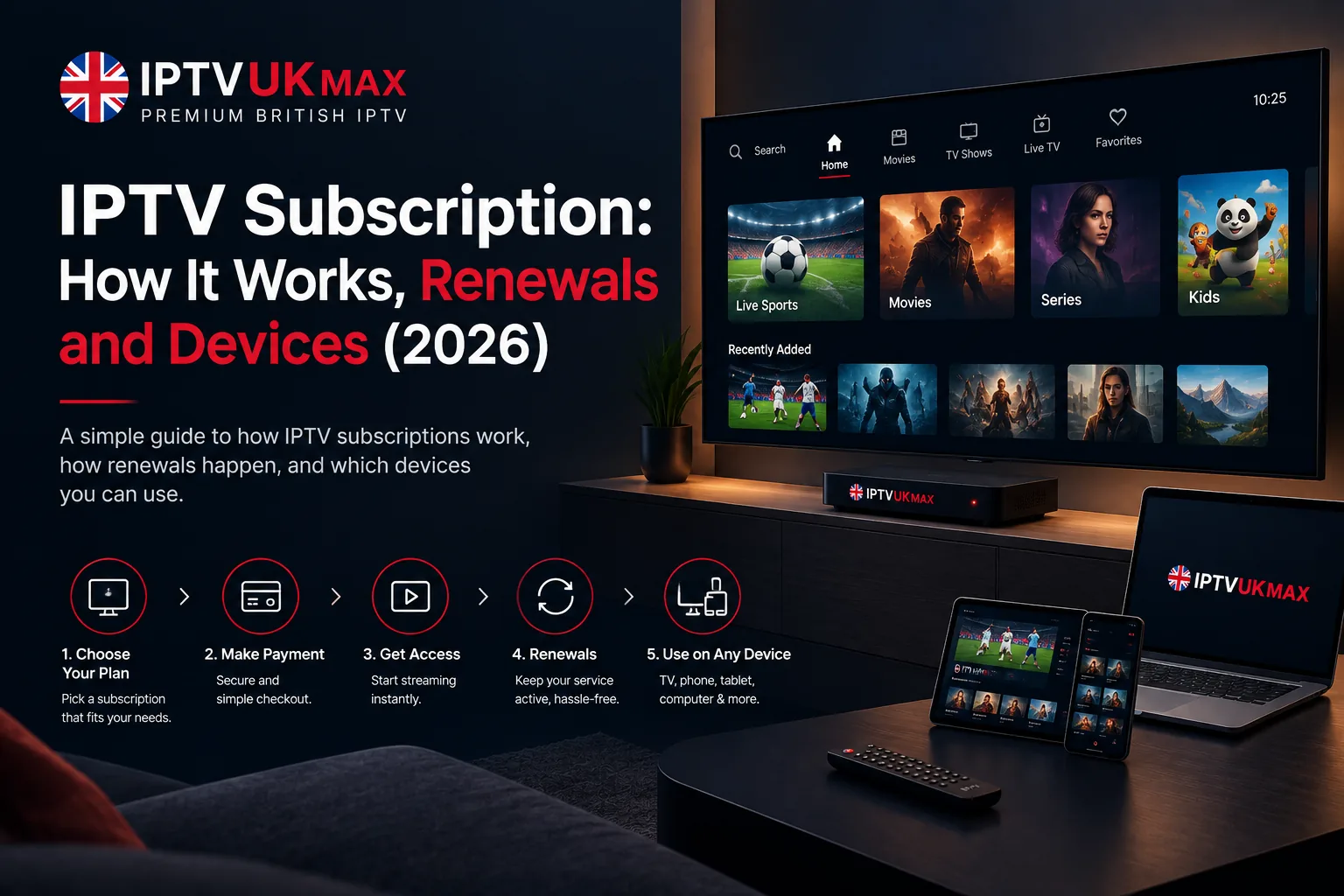
How an IPTV subscription works once you own it — what you receive, activation, renewals, moving between devices, and fixing one that stops working.
Most articles about buying an IPTV subscription stop at the checkout page. This one starts there. What actually arrives in your inbox, how activation works, what happens when the term runs out, how to move to a new TV, and what to do the evening it stops working ten minutes before kick-off — the practical side of owning an IPTV subscription rather than shopping for one. If you haven't bought yet, our buying guide covers that side first.
What an IPTV subscription actually is
An IPTV subscription isn't software and it isn't hardware — it's a set of credentials. Your provider runs servers carrying the channel feeds, and your subscription is permission to access them for a fixed period. A free app turns those credentials into a channel list on whatever device you're holding. Nothing is installed permanently and nothing is tied to your address, which is why the same IPTV subscription follows you between rooms, houses and countries.
What you receive when you buy
- A username and password — these are your IPTV subscription, so keep the email
- A server URL, sometimes called a portal or DNS address
- An M3U link and an EPG link, for apps that prefer those over a login
- A recommended app, usually IPTV Smarters Pro, which is free
- Your expiry date — worth noting somewhere other than the email
That's the whole delivery. There's no box in the post and no engineer, which is why a legitimate IPTV subscription activates in minutes rather than days. If a provider tells you activation takes 24 to 48 hours, they're usually provisioning accounts by hand, which tells you something about the scale you're buying into.
How activation works
Credentials normally arrive by email within a couple of minutes of payment. Install IPTV Smarters Pro from your device's app store — the Amazon Appstore on a Firestick — open it, choose 'Login with Xtream Codes API', and enter the username, password and server URL exactly as they appear, including any port number. The channel list and TV guide take a moment to populate the first time. Our step-by-step setup guide has the full walkthrough, with dedicated versions for Firestick and Smart TV.
Which IPTV subscription term makes sense
Plans are sold in fixed blocks rather than rolling monthly: ours are £29 for three months, £39 for six and £49 for twelve. The arithmetic is worth doing once — three months is about £9.67 a month, six is roughly £6.50, and twelve works out near £4. Four consecutive three-month terms cost £116 against £49 for the year, so the annual plan is the obvious choice once you know the service works on your setup.
Which is exactly why the sensible order is a short term or a trial first, then the annual plan. Committing twelve months to a provider you've never tested is how people end up stuck with a service that buffers every Saturday. Our cost breakdown covers what drives the pricing.
Does an IPTV subscription auto-renew?
Not with a reputable provider, and ours doesn't. Fixed-term plans simply end on their date — no stored card, no automatic charge, no cancellation process to navigate. You're only billed again if you actively buy another term. That's the opposite of the traditional model, where the contract rolls and the price quietly rises at renewal, and it's a fair thing to confirm before you pay anyone.
What happens when your IPTV subscription expires
The channel list stops loading and the app usually reports an authentication or expiry error. Nothing is deleted and the app stays installed — you're simply no longer authorised. Buying a new term restores access, normally on the same credentials, so you don't have to set the app up again from scratch. If you'd rather not be caught out mid-season, note the expiry date somewhere you'll see it, since without auto-renewal nothing will remind you at the moment it lapses.
Moving your IPTV subscription to a new device
Install the app on the new device and enter the same credentials — that's the entire process. There's no transfer request, no deactivation step and no limit on how many devices you set up over the life of the subscription. Replacing a TV, adding a tablet for the kitchen or taking a Firestick on holiday needs nothing from your provider. Our device comparison covers which hardware handles it best.
Using one IPTV subscription in a household
Here's the constraint that matters, and the one providers are most often vague about: a single IPTV subscription streams on one device at a time. Installing it everywhere is fine and switching between devices is fine, but if someone wants the football in the living room while someone else watches a boxset upstairs, that's two simultaneous streams and needs two subscriptions. Any provider implying one subscription covers a whole house watching different things at once is overselling it.
If your IPTV subscription stops working
- Check the expiry date first — an expired term looks exactly like a broken one
- Re-enter the credentials carefully, including the port number and with no trailing space
- Confirm nobody else in the house is streaming on it, since it's one device at a time
- Clear the app's cache, or reinstall it — this fixes a surprising share of faults
- Check the device's date and time are correct, as a wrong clock breaks authentication
- Test another app or device to work out whether it's the subscription or the hardware
- Toggle the VPN on or off — ISP shaping and VPN routing can each cause peak-hour trouble
If the picture stutters rather than stops, that's a different problem — usually Wi-Fi, ISP throttling or an oversold server rather than your subscription. Our buffering guide works through those causes in order. And if none of it helps, a provider worth paying answers on WhatsApp or live chat within minutes rather than pointing you at a form.
An IPTV subscription is credentials with an expiry date. Almost every fault is one of three things: the term ran out, the details were mistyped, or something else is already streaming on it.
Cancelling, refunds and upgrading
Because nothing auto-renews, cancelling means doing nothing — the term ends and you aren't charged. Every paid plan carries a 7-day money-back guarantee, so if the service doesn't suit your setup you're not committed to seeing out the term. Upgrading to a longer plan mid-term is normally handled by extending the same account rather than issuing new credentials, which means no reconfiguring the apps you've already set up.
Is an IPTV subscription legal?
The technology is entirely legal — the same delivery method BBC iPlayer and ITVX use. What matters is the licensing behind the content and the provider you pick: subscribing through a licensed provider and watching content you're entitled to view is lawful, and you remain responsible for what you access. UK viewers also need a TV Licence to watch live television, however it's delivered. Our guide to IPTV legality covers the detail.
What do you get with an IPTV subscription?
A username, password and server URL, plus an M3U and EPG link and an expiry date. Those credentials are the subscription — a free app such as IPTV Smarters Pro turns them into a channel list, TV guide and on-demand library on any device you install it on.
Does an IPTV subscription auto-renew?
Not with a reputable provider. Fixed 3, 6 and 12-month terms end on their own date with no stored card and no automatic charge — you are only billed again if you actively buy another term.
How long does an IPTV subscription take to activate?
Minutes. Credentials are emailed automatically once payment clears, and setup in the app takes about another five. A provider quoting 24 to 48 hours is provisioning accounts manually.
Can I use one IPTV subscription on two TVs at once?
No. You can install it on as many devices as you like and switch freely between them, but it streams on one device at a time. Two people watching different channels simultaneously needs two subscriptions.
What happens when my IPTV subscription expires?
The channel list stops loading and the app reports an authentication or expiry error. Nothing is deleted — buying a new term restores access, usually on the same credentials, so the app does not need setting up again.
Can I move my IPTV subscription to a new device?
Yes, freely and as often as you like. Install the app on the new device and enter the same credentials — there is no transfer request or deactivation step, and no limit on how many devices you set up over the term.
Getting an IPTV subscription
Test before committing to a long term. Start a 24-hour free trial with no card required, check the channels you actually watch on the device you'll actually use, and judge it during a live match rather than mid-afternoon. If it performs, plans start at £4 a month with a 7-day money-back guarantee, no contract and nothing that renews behind your back. Our IPTV subscription UK page sets out exactly what's included.
Get 30,000+ UK channels from £4/month
Instant activation, zero buffering, 7-day money-back guarantee.