How an IPTV free trial UK actually works — what you should get, how to set it up in ten minutes, what to check in your 24 hours, and the traps to avoid.
A free trial is the only way to find out whether an IPTV service works on your broadband, in your house, on your television. It costs nothing and takes about ten minutes to set up — and most people waste theirs, testing at a quiet hour on a phone and learning nothing useful. This guide covers what an IPTV free trial UK should include, how to get one, and how to spend the 24 hours so the result actually tells you something.
What an IPTV free trial UK should include
- The full channel list — not a cut-down demo line-up
- The same servers paid customers use, so what you test is what you would buy
- Every device you might watch on — Firestick, Smart TV, phone, tablet, PC
- The on-demand library and the TV guide, not just live channels
- No card details, and no automatic charge when it ends
- Support you can actually message while the trial is running
That last point matters more than it sounds. A trial is the one moment you can judge a provider's support while you are still a prospect — which is the most attentive they will ever be. If the reply is slow now, it will not be faster once you have paid.
How long is an IPTV free trial?
Twenty-four hours is the standard, and ours is 24 hours with no card required. That is long enough to cover an evening of live TV, a match and a film, which is as much testing as most households need.
Be wary of longer 'free trials' that ask for card details up front. Those are usually paid subscriptions with a refund window rather than trials, and they charge automatically if you forget to cancel in time. A genuine IPTV free trial UK asks for an email address and nothing else.
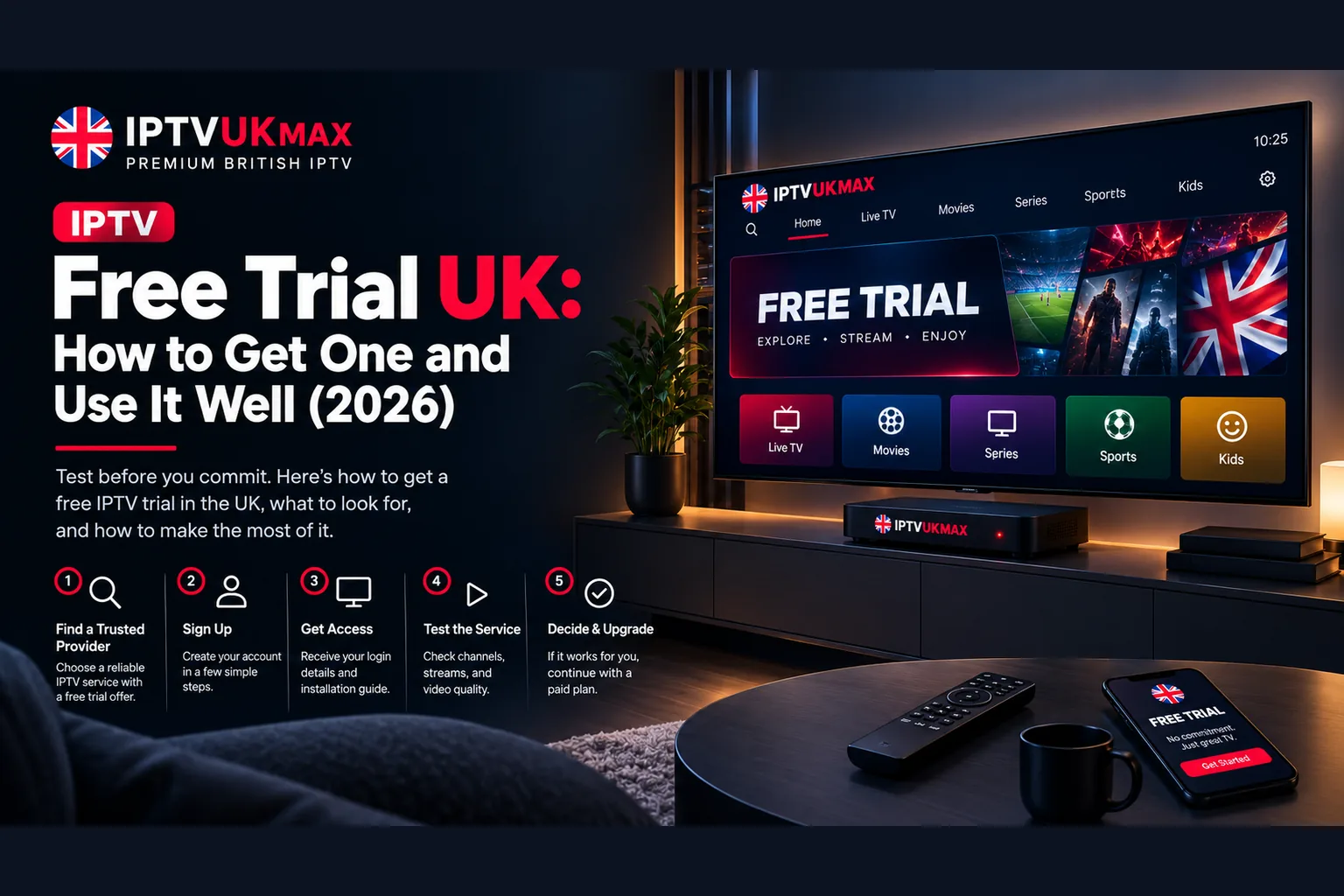
How to get an IPTV free trial UK
- Request the trial with your email address — no card, no billing details
- Your username, password and server URL arrive by email, usually within minutes
- Install IPTV Smarters Pro, which is free, on the device you actually watch on
- Choose 'Login with Xtream Codes API' and enter the details exactly as sent
- Wait for the channel list and TV guide to populate, then start testing
You can start a 24-hour free trial here with no card required. If you want the setup steps with more detail, there are full walkthroughs for IPTV Smarters Pro, Firestick and Smart TV.
Time your trial around a live match
This is the single most useful thing in this guide. Start your IPTV free trial so the 24 hours covers a Saturday evening or a midweek European night — whenever there is live football on and everyone else is watching too. Oversold servers behave perfectly at three o'clock on a Tuesday and collapse at 8pm on a Saturday, so a quiet-hour test tells you almost nothing about the service you would be paying for.
What to check in your 24 hours
- Live sport at peak time — watch a full half, not two minutes
- The eight or ten channels you actually watch, including any regional service
- The TV guide — a full seven days with correct programme names and times
- Picture quality on the television rather than a phone, which flatters a weak stream
- Support response time — send a real question and time the reply
- Setup on a second device, to confirm the first one was not a fluke
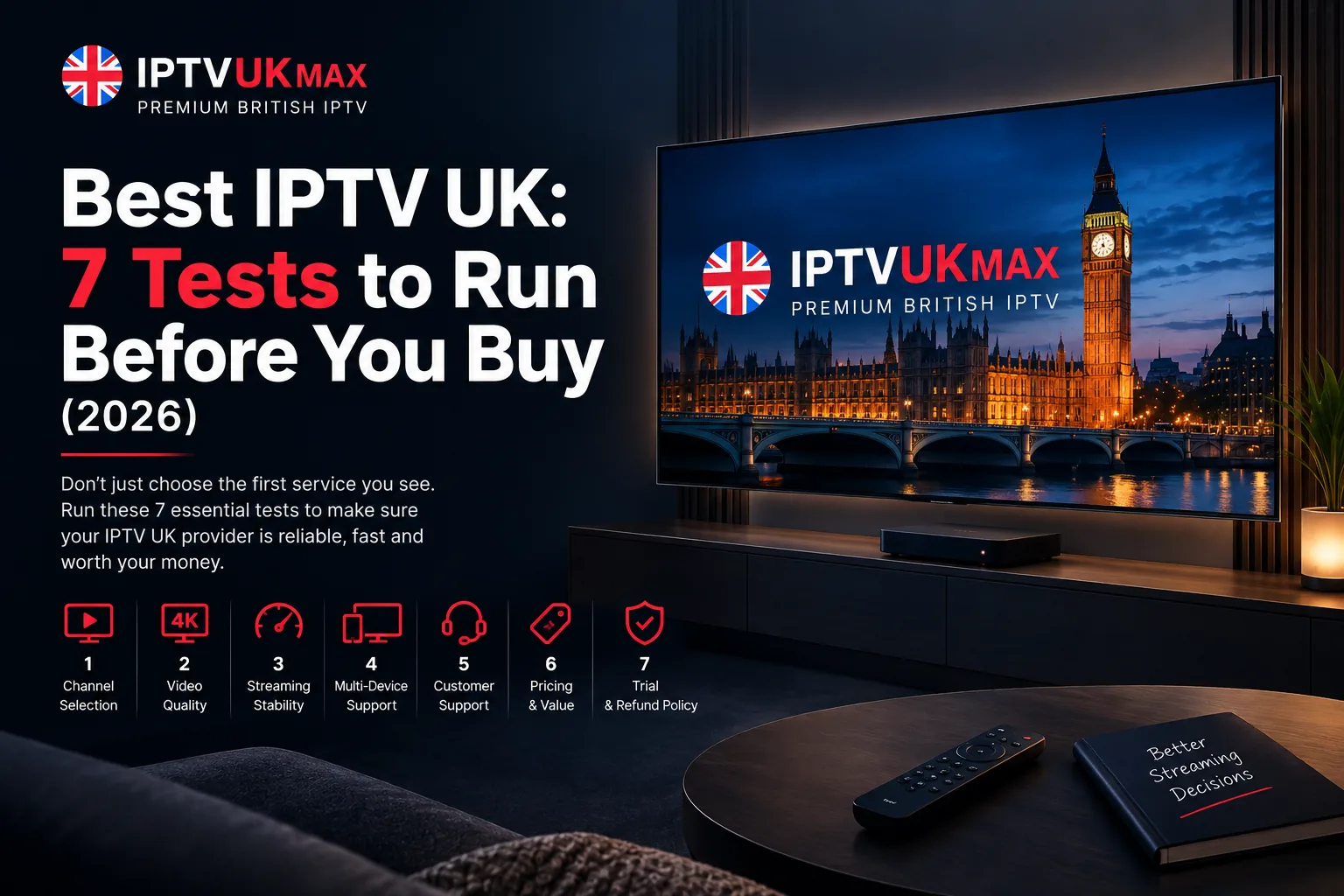
Our seven-test guide sets out the full method and what a good result looks like on each point, with a scorecard to judge by.
Set up fast so you do not waste the window
The clock starts when your credentials are issued, not when you get round to using them. Install the app before you request the trial, or immediately afterwards, so none of the 24 hours goes on downloading software. If the picture stutters rather than stops during testing, that is usually Wi-Fi or ISP shaping rather than the service — our buffering guide works through the causes in order.
IPTV free trial red flags
- Card details required before the trial starts
- A separate 'demo' server, or a visibly cut-down channel list
- No way to contact support while trialling
- A trial that rolls into a paid plan unless you cancel
- No refund policy published anywhere on the site
- Reviews only on the provider's own website, with nothing verifiable elsewhere
Any provider confident in its servers will let you test them for nothing. A service that will not offer a free trial IPTV UK customers can use without paying first is telling you something. Our 8-point provider checklist expands on each of these.
A trial run on a quiet Tuesday afternoon tells you almost nothing. The only test that counts is live sport on a busy evening.
What happens when the trial ends
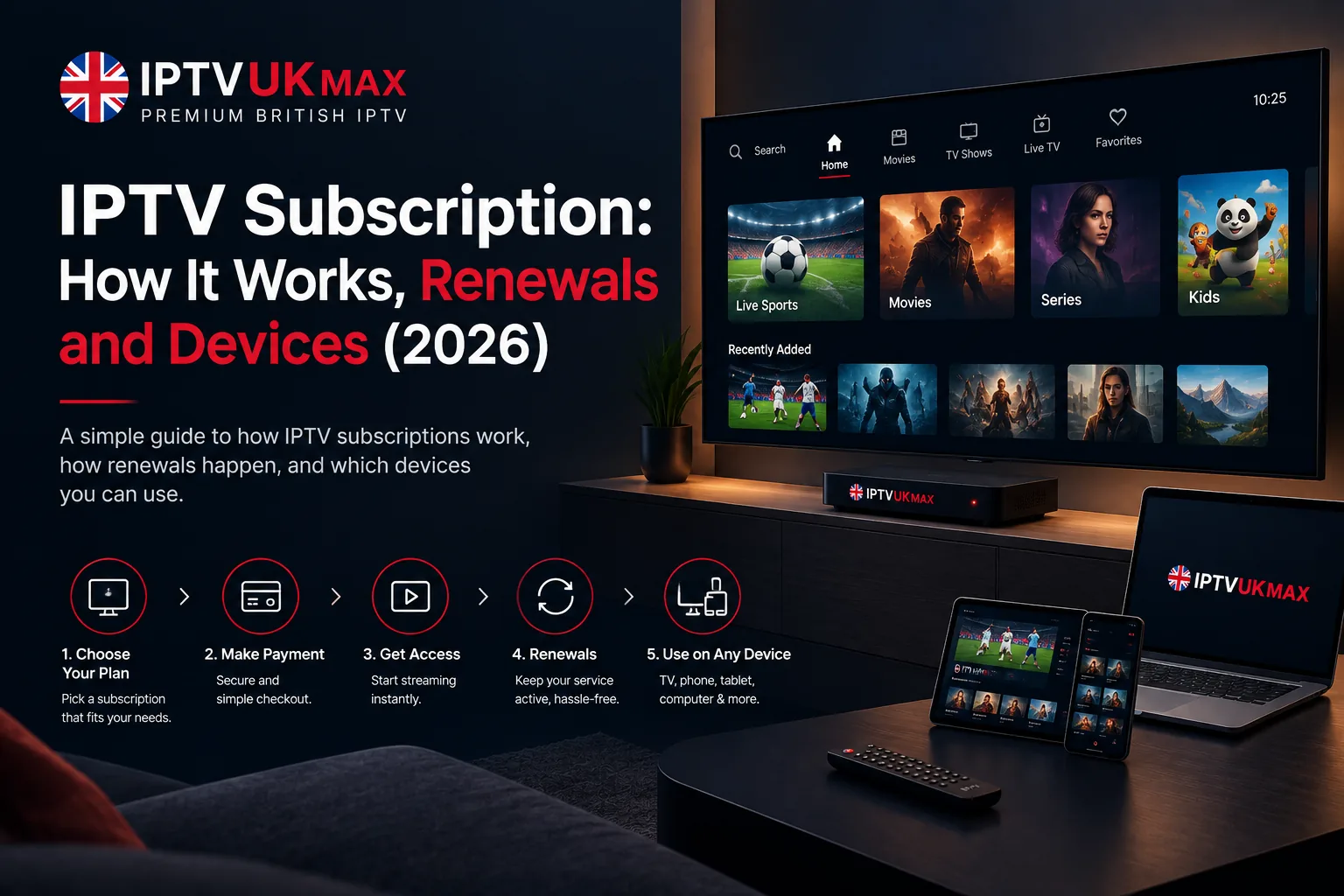
Access simply stops. The app stays installed and nothing is charged, because there is no card on file to charge. If you decide to subscribe, buying a plan restores access — usually on the same credentials, so the app you already set up carries on working without reconfiguring anything. Our guide to how an IPTV subscription works covers activation and renewals in full.
Free trial or money-back guarantee?
They do different jobs. The free trial lets you check the service before parting with any money, over a single evening. The 7-day money-back guarantee gives you a longer, more thorough window after you have paid — enough to cover a full weekend of sport and a few evenings of normal viewing. The sensible order is to use both: trial first, then take the annual plan with the guarantee behind it.
Is the IPTV free trial really free?
Yes. The 24-hour trial needs an email address only — no card details, no billing information and no automatic charge when it ends. If you decide not to subscribe, you do nothing and access simply stops.
How long is the IPTV free trial UK?
Twenty-four hours, which is the standard across reputable providers. It is long enough to cover an evening of live TV, a match and a film. Longer trials that ask for a card up front are usually paid plans with a refund window instead.
Do I need a credit card for an IPTV free trial?
No. A genuine IPTV free trial asks for an email address and nothing else. Being asked for card details before a trial starts is the clearest sign it is not really a trial.
Does the free trial include all channels and sport?
Yes — the full line-up on the same servers paid customers use, including every Sky Sports and TNT Sports channel and the on-demand library. A trial on a cut-down demo line-up would not tell you anything useful.
What should I test during the free trial?
Live sport at peak time above all else, then your own eight to ten regular channels, the TV guide, picture quality on the television, and how quickly support replies to a real question.
What happens after the IPTV free trial ends?
Access stops and nothing is charged. Buying a plan restores it, normally on the same credentials, so the app you set up during the trial keeps working. Plans start at about £4 a month on the annual term.
Start your IPTV free trial
Pick an evening with live football on, start the 24-hour free trial, and spend the time testing properly rather than flicking through channels. If it holds up when the servers are busy, plans start at £4 a month with no contract, nothing that auto-renews and a 7-day money-back guarantee. If it does not, you have lost nothing but an evening.
Get 30,000+ UK channels from £4/month
Instant activation, zero buffering, 7-day money-back guarantee.