Install and log in to IPTV Smarters Pro on any device — the difference between Xtream Codes and M3U logins, and how to fix the errors people actually hit.
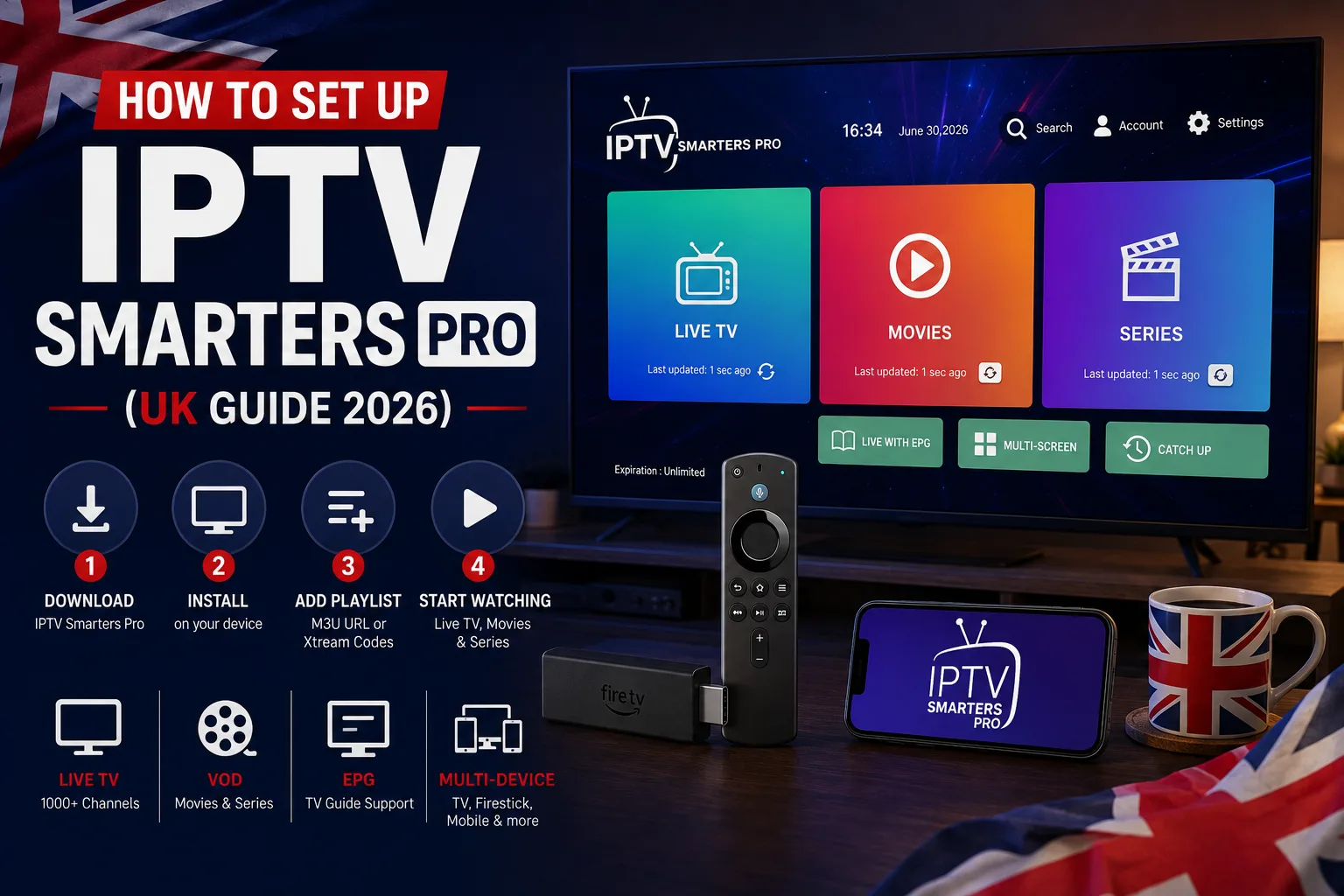
IPTV Smarters Pro is the app most UK IPTV subscriptions are designed around. It isn't the service itself — it's a player, an empty shell that does nothing until you sign in with credentials from a provider. That distinction trips a lot of people up, so this guide covers what the app is, how to install it on each device, which login method to use, and how to fix the errors that actually come up.
What IPTV Smarters Pro actually is
Think of it like a web browser: useful, free, and completely blank until you point it somewhere. IPTV Smarters Pro takes your provider's login details and turns them into channels, an EPG and a video-on-demand library. Downloading it on its own gets you nothing to watch — you need an active subscription first.
It's also not the only option. TiviMate is the other common choice, particularly on Android TV. Both work with IPTVUKmax, so the pick is down to preference.
Installing it on your device
- Amazon Firestick — install the Downloader app, enable installing unknown apps for it in Developer Options, then use Downloader to fetch the official APK. Our full Firestick guide walks through this step by step
- Android phone, tablet or TV box — install directly from the Google Play Store
- iPhone and iPad — install from the App Store; the iOS build is sometimes listed under a slightly different name
- Smart TV (Samsung, LG) — check your TV's own app store first; if it isn't listed, an inexpensive Firestick or Android box is the usual workaround. See our Smart TV guide
- PC and Mac — a desktop build is available, though most people use a TV device
Only ever install the official app from the official store or the provider's own documented link. A provider insisting you sideload their private build from an unlabelled link is a red flag, not a feature.
Xtream Codes or M3U — which login should you use?
On first launch the app asks how you want to log in. This is the step people get wrong most often.
- Login with Xtream Codes API — enter a username, password and server URL. This is the option to choose in almost every case: it pulls in the EPG, categories and VOD library properly
- Load Your Playlist or File / URL — takes an M3U link. It works, but often gives you a flat channel list with a weaker or missing TV guide
If your provider sent you a username, password and a URL, use Xtream Codes. If they sent a single long link ending in .m3u or .m3u8, that's the playlist option. When you have both, Xtream Codes gives the better experience.
Signing in, step by step
- Open the app and accept the terms on first launch
- Choose Login with Xtream Codes API
- Give the profile any name you like — it's just a label for you
- Enter the username, password and server URL exactly as your provider sent them
- Tap Add User and wait while the channel list and EPG download — this can take a minute on a first sync
Details are case-sensitive, and typing them on a TV remote is where most mistakes happen. If the login fails, re-check for a capital letter or a trailing space before assuming the subscription is at fault.
Common problems and what causes them
- "Invalid credentials" — nearly always a typo, or the wrong login type. Confirm you're using Xtream Codes rather than the playlist option
- App opens but no channels appear — the sync didn't finish. Force-close, reopen, and give it a minute
- EPG missing or blank — the guide downloads separately from the channels and can lag on first setup; refresh the EPG from settings
- Buffering on live channels — usually network or server-side rather than the app. Our buffering guide works through causes in order
- Worked yesterday, not today — check whether the subscription has expired before reinstalling anything
Getting credentials in the first place
The app is only as good as the subscription behind it. IPTVUKmax sends your Xtream Codes username, password and server URL by email on activation, usually within a couple of minutes, and there's a 24-hour free trial so you can complete this whole setup and test real streams before paying anything. Plans start from around £4/month.
Is IPTV Smarters Pro free?
The app itself is free. It's only a player — it does nothing without login details from an IPTV subscription, which is the part you pay for.
Should I use Xtream Codes or M3U in IPTV Smarters?
Xtream Codes in almost every case. It brings in the EPG, categories and VOD library properly, whereas an M3U playlist often produces a flat channel list with a weaker guide.
Why does IPTV Smarters say invalid credentials?
Usually a typo — the details are case-sensitive and easy to mistype on a remote — or the wrong login method. Check you selected Xtream Codes API rather than the playlist option.
Does IPTV Smarters Pro work on a Firestick?
Yes, and it's the most common setup in the UK. It isn't in the Amazon store, so you install it with the Downloader app — see our Firestick guide.
Is IPTV Smarters Pro legal?
The app is a neutral media player, much like VLC. Legality comes down to the subscription you use with it — see our legal breakdown.
Get 34,000+ UK channels from £4/month
Instant activation, zero buffering, 7-day money-back guarantee.