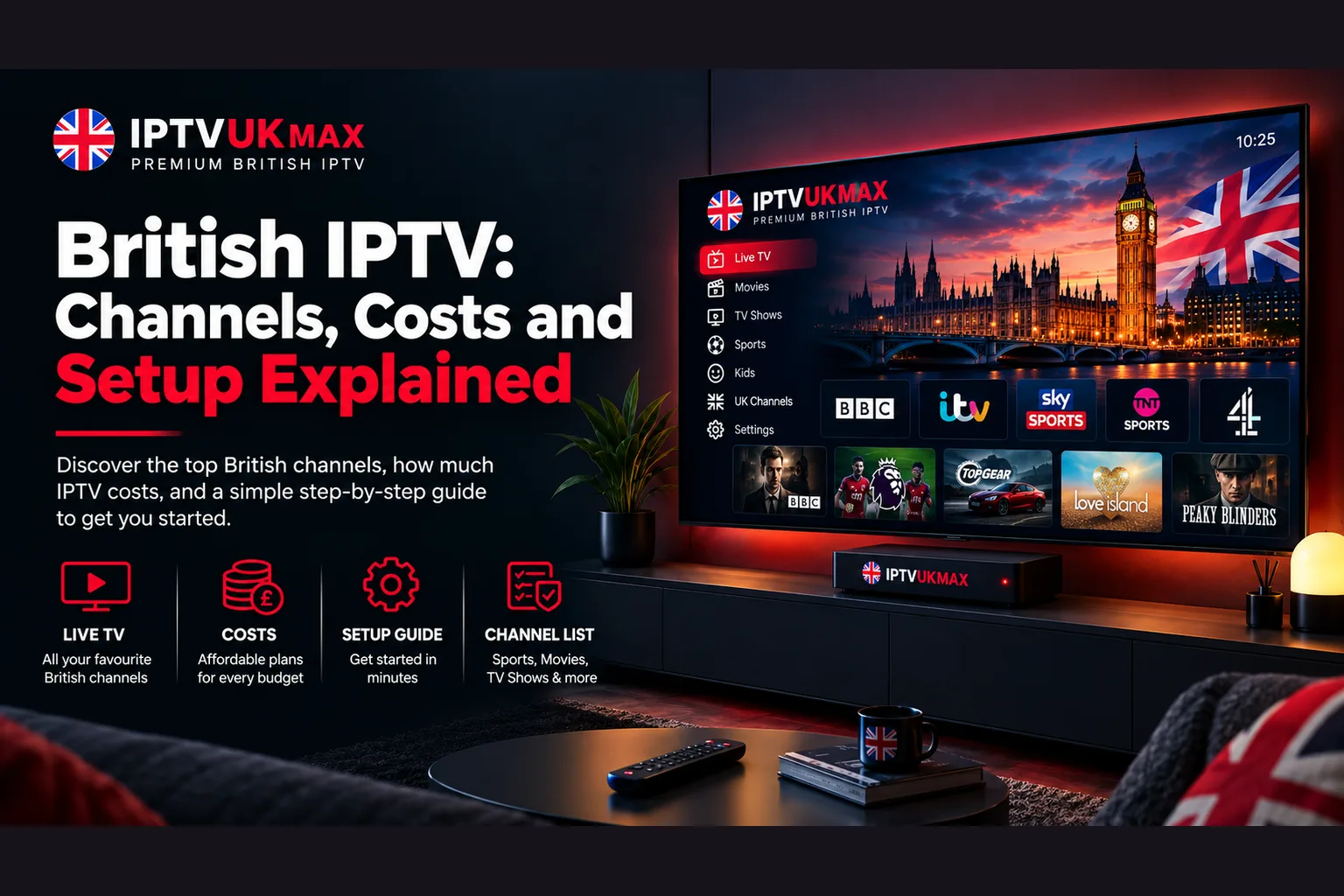
British IPTV in full — which UK channels you get, what a fair price looks like in 2026, the kit you need, and how to set it up in about ten minutes.
British IPTV has quietly become the default way for a lot of UK households to watch television. No dish, no aerial, no engineer — just an app, a login and the channels you actually want. This guide walks through the whole picture: what British IPTV is, which channels come with it, what it should cost in 2026, the hardware you need, how to get it running, and how to avoid the providers that give the category a bad name.
What is British IPTV?
IPTV stands for Internet Protocol Television — television delivered over your broadband connection rather than a satellite dish, rooftop aerial or cable. British IPTV simply means an IPTV service built around the UK line-up: BBC, ITV, Channel 4, Channel 5, Sky Sports, TNT Sports and the rest in one app, rather than a generic international package with a handful of UK channels bolted on.
The technology isn't new or fringe. BBC iPlayer, ITVX and Sky's own streaming apps all work this way. What a subscription changes is scope — instead of one broadcaster's catalogue behind one login, you get the terrestrial channels, the premium sport, hundreds of international feeds and a large on-demand library behind a single set of credentials. For a shorter overview of the same ground, see our British IPTV channel guide.
Which British IPTV channels do you actually get?
- Terrestrial — BBC One, Two, Three and Four, ITV and the full ITVX range, Channel 4, E4, Film4, Channel 5 and the +1 variants
- Sport — Sky Sports in full, TNT Sports and BT Sport ESPN, covering every televised Premier League fixture plus EFL, Champions League, F1 and rugby
- Pay-per-view — boxing, UFC and WWE events included rather than charged at £20-plus a time
- Entertainment — Sky Atlantic, Sky Cinema, Dave, Gold, Comedy Central and similar
- News and documentary — BBC News, Sky News, Discovery, National Geographic, History
- International — 500+ feeds, which matters in a bilingual household or if you follow sport from abroad
- On demand — 150,000+ films and box sets, searchable and updated weekly
The number worth checking isn't the headline channel count — it's whether sport is genuinely included. Plenty of services advertise a low price and then treat Sky Sports as a paid add-on, at which point the saving against a traditional package largely disappears. Our full channel list shows exactly what's included.
How much should British IPTV cost in 2026?
Expect somewhere between £4 and £10 a month from a provider worth using. Billing is almost always in blocks rather than rolling monthly — ours runs £29 for three months, £39 for six and £49 for twelve, which is about £4 a month on the annual plan. Longer blocks cost less per month, which is why most people land on the twelve-month option once they've tested the service.
Treat anything dramatically below that range as a warning rather than a bargain. Bandwidth, servers and support staff are real costs; a provider charging £15 for a year is either overselling capacity — which shows up as buffering the moment a big match starts — or won't still be trading when you need them. Our cost breakdown explains which prices are realistic and which aren't.
What do you need to watch British IPTV?
- A broadband connection — around 10 Mbps for HD, 25 Mbps for 4K, so any standard UK fibre line is plenty
- A device — Firestick or Fire TV, a Samsung, LG or Sony Smart TV, Android phone or box, iPhone or iPad, Windows PC, Mac, or a MAG box
- An app — IPTV Smarters Pro is the usual choice and is free
- Your subscription credentials — a username, password and server address, sent by email
That's the whole list. No dish, no aerial, no installation appointment and nothing tied to your postcode, which is why a British IPTV subscription moves house with you and travels in hand luggage. One detail providers are often vague about, so plainly: a single subscription streams on one device at a time. Install it on as many devices as you like and switch freely, but two people watching different channels simultaneously needs a second subscription. Our device comparison covers which hardware performs best.
How to set up British IPTV in about ten minutes
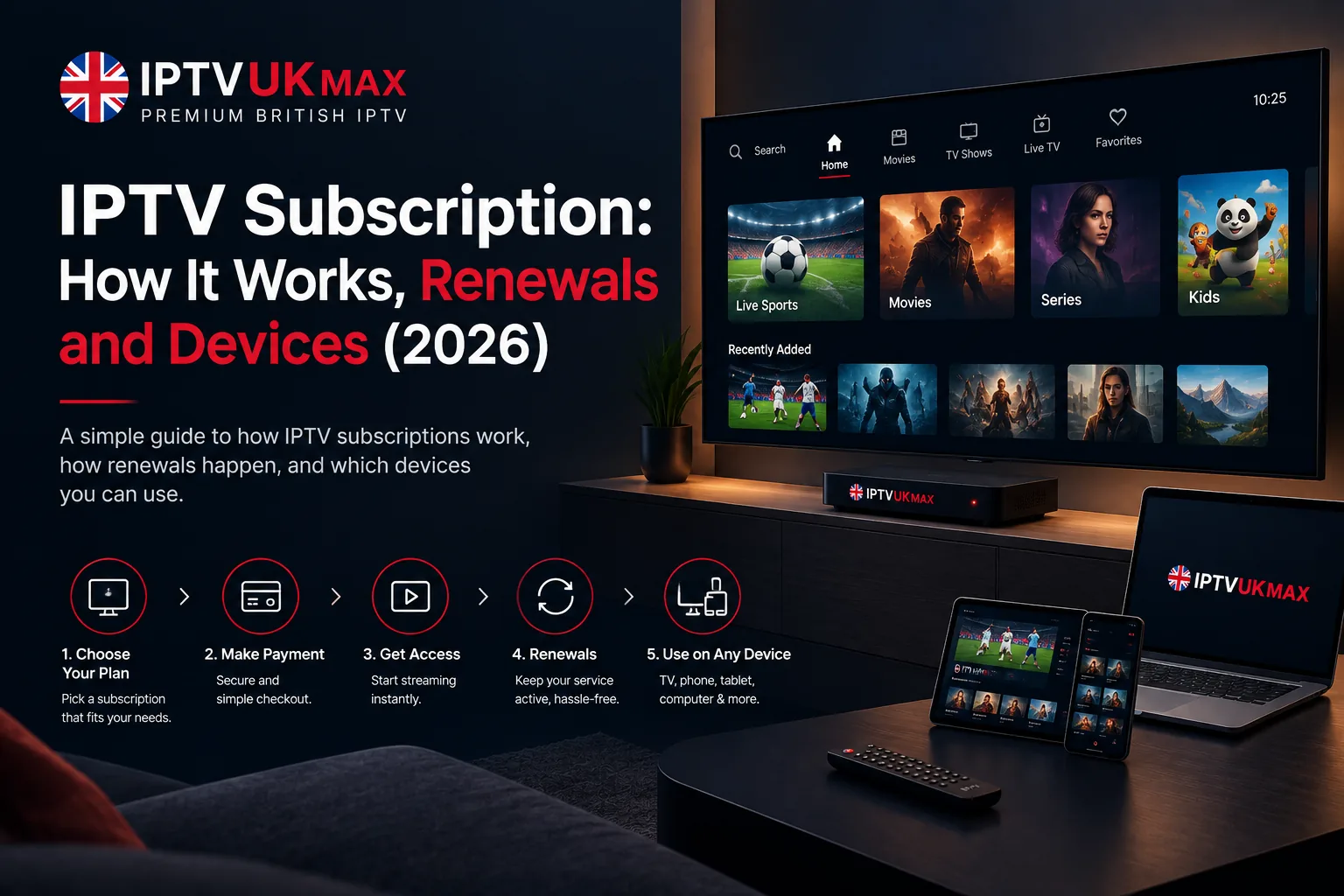
- Pick a plan and complete checkout — credentials arrive by email, usually within a couple of minutes
- Install IPTV Smarters Pro from your device's app store, or the Amazon Appstore on Firestick
- Open the app and choose 'Login with Xtream Codes API'
- Enter the username, password and server URL from your email
- Wait for the channel list and TV guide to load, then test a live channel and an on-demand title
Our step-by-step IPTV Smarters Pro guide covers the same process in more detail, with dedicated walkthroughs for Firestick and Smart TV. If picture quality dips during peak hours, that's almost always Wi-Fi or ISP throttling rather than the service — the buffering guide works through the causes in order.
Watching British IPTV from outside the UK
This is one of the strongest arguments for British IPTV over a traditional package. Because it travels over the internet rather than a broadcast footprint, your subscription works anywhere with a stable connection — a flat in Spain, a hotel in Dubai, a posting overseas. British expats routinely use it to keep the channels they grew up with, and the built-in VPN included on every plan handles the privacy side without a second app or a second bill.
Is British IPTV legal?
IPTV is a delivery method, not a legal category — the same method iPlayer and ITVX use — so the technology itself is entirely legal. What matters is the licensing behind the content and the provider you pick. Subscribing through a licensed British IPTV provider and watching content you're entitled to view is lawful, and as with any streaming service you remain responsible for what you choose to access. Our guide to IPTV legality in the UK covers this in detail.
The technology behind British IPTV is settled and reliable. The variable that decides your experience is which provider you choose.
British IPTV vs Freeview, Sky and the streaming apps
Freeview costs nothing but stops well short — no premium sport and no on-demand library worth the name. Sky and Virgin Media are polished and dependable, but a package including sport typically runs £60 to £90 a month on an eighteen-month contract that usually rises mid-term. Netflix, Disney+ and Prime are excellent for box sets and useless for live UK television. British IPTV sits apart from all three: far more channels, no contract and roughly a tenth of the cost of a Sky sports package, in exchange for setting it up yourself and choosing your provider carefully. Our side-by-side comparison puts real numbers against each.
How to avoid a bad British IPTV provider
- No free trial — anyone confident in their servers will let you test before paying
- No contactable support beyond an anonymous Telegram or Discord handle
- Prices far below £4 a month, or 'lifetime' deals from a seller with no track record
- No refund policy, or one buried in unreadable terms
- Reviews only on their own website, with nothing verifiable anywhere else
- Sport, PPV or 4K sold as extras on top of the advertised price
Run any provider through those six points before paying. Our 8-point checklist expands each one, and it's worth the ten minutes — the gap between a good and a bad provider is far wider than any difference in price.
What is British IPTV?
British IPTV is UK television delivered over your broadband connection instead of a dish, aerial or cable. One app carries the terrestrial channels, Sky Sports and TNT Sports, hundreds of international feeds and an on-demand library, using login details your provider sends you.
Is British IPTV legal?
The technology is legal — it's the same delivery method BBC iPlayer and ITVX use. It's lawful when you subscribe through a licensed provider and watch content you're entitled to view; you remain responsible for what you access.
How much does British IPTV cost?
Between roughly £4 and £10 a month, billed as a 3, 6 or 12-month plan. Annual plans work out cheapest — ours is £49 a year, about £4 a month. Prices far below that usually mean oversold servers or a provider that won't last.
Can I watch British IPTV abroad?
Yes. It streams over the internet rather than a broadcast footprint, so your subscription works anywhere with a stable connection. Every plan includes built-in VPN protection for privacy while you're away.
What devices support British IPTV?
Firestick and Fire TV, Samsung, LG and Sony Smart TVs, Android phones, tablets and boxes, iPhone and iPad, Windows PC, Mac, and MAG boxes. One subscription installs on all of them but streams on one device at a time.
Do I need a VPN for British IPTV?
It isn't legally required, but it's recommended for privacy and to stop ISP throttling during peak hours. Every IPTVUKmax subscription includes VPN protection at no extra cost.
Getting started with British IPTV
Test before you pay. Start a 24-hour free trial with no card required, check the channels you actually care about on the device you'll actually use, and judge it during a live match rather than at three o'clock on a Tuesday afternoon. If it holds up, plans start at £4 a month with a 7-day money-back guarantee and no contract. For the same ground from the technology side, our IPTV UK guide is the companion piece.
Get 30,000+ UK channels from £4/month
Instant activation, zero buffering, 7-day money-back guarantee.